More people. The same bottlenecks.
Engineers spend hours repeating modelling, reinforcement and drawing tasks. Work keeps piling up as the delivery date approaches.

FOR BIM DESIGN & DELIVERY TEAMS
Your team works overtime. Deliverables still slip. Payroll grows, revisions pile up, and by the time you hand over the project, there is little margin left.
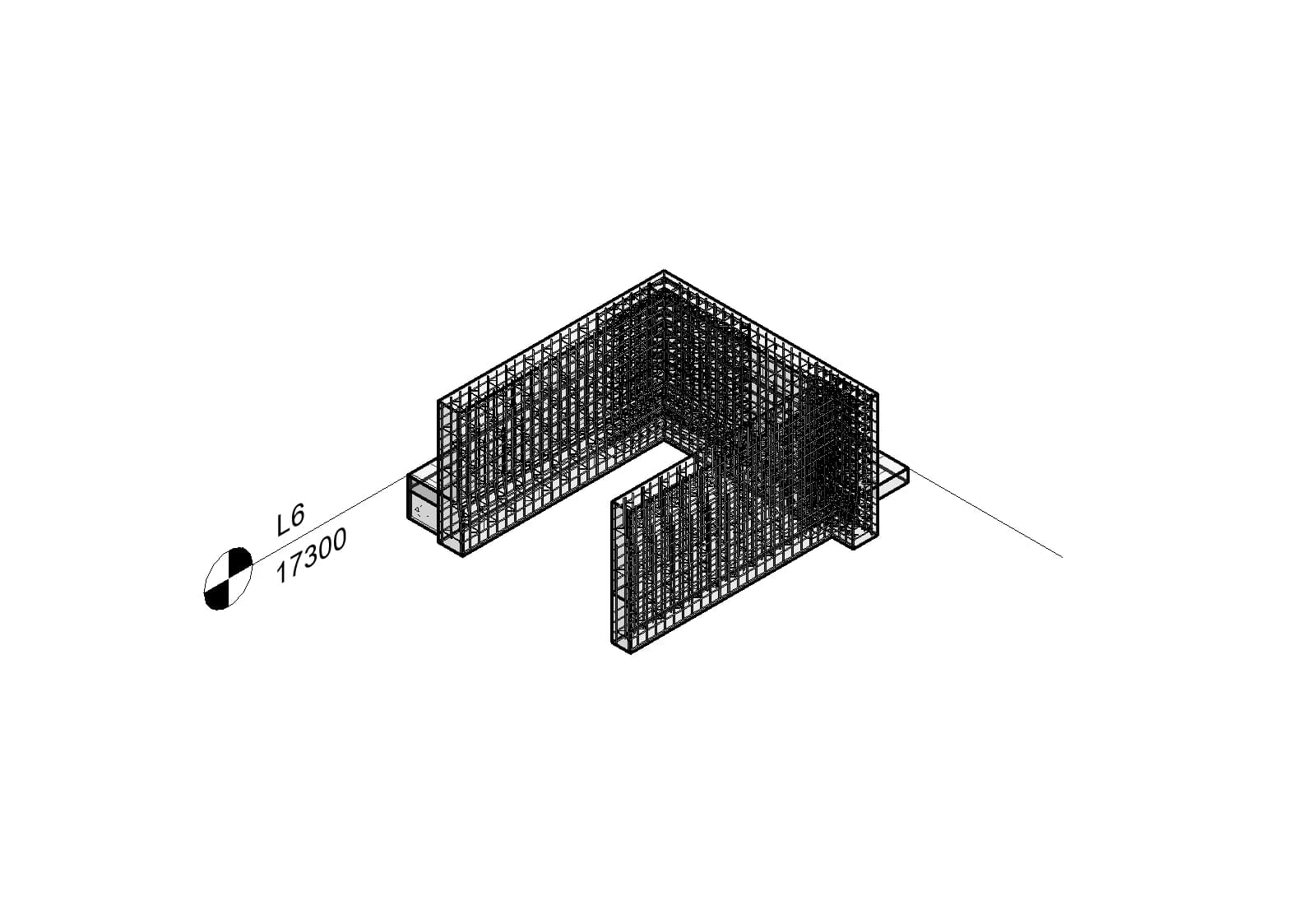
THE COST OF MANUAL WORK
Engineers spend hours repeating modelling, reinforcement and drawing tasks. Work keeps piling up as the delivery date approaches.
A design revision triggers updates across the model and drawings. As deadlines tighten, keeping everything coordinated gets harder.
Overtime, corrections and coordination all cost money. Every extra revision eats into the profit you planned to make.
CHANGE HOW THE WORK GETS DONE
Automate repetitive tasks, use an AI agent to support your workflow and give engineers more room for engineering. Start with the bottleneck holding your team back.
Use specialist tools for modelling, reinforcement and finishes to reduce manual tasks repeated across individual elements.
Combine an AI assistant with BIMSpeed to support actions in Revit. Engineers define the requirements, review the output and make the decisions.
Choose a task that takes too many hours. Try the new workflow and compare delivery time, revision rounds and team effort.
MORE CAPABILITY FOR YOUR TEAM
Beyond the featured tools, the BIMSpeed ecosystem includes hundreds of add-ins and MCP tools that connect Claude AI and ChatGPT/Codex to help automate your Revit work.


Turn your instructions into actions on your model. Connect your AI assistant to BIMSpeed through MCP, delegate tasks to an agent and review the results in Revit.
Local connections use Claude Desktop or Codex with MCP support. Connection setup and a separate AI account are required.
Get 1 month freeFROM SOLUTION TO EVERYDAY WORK
Explore real tools for time-consuming work: beam reinforcement, wall detailing and architectural finish layouts.
STRUCTURE / BEAMS
Configure beam reinforcement along an axis, review the layout in preview and take control of every span.
A SIMPLE START
Tell us a little about yourself to create your account and check trial eligibility.
Get sign-in instructions, password setup guidance and your license status.
Download BIMSpeed, sign in inside Revit and connect with our Telegram community.
START WITH THE TASK SLOWING YOU DOWN
Try BIMSpeed on a real project for one month and explore how to work with an AI agent. Select your discipline so we can understand your team’s needs.
Available once to people who have never received a license. We check license history before activation. Existing licenses remain unchanged.
FAQ
Your trial unlocks the full BIMSpeed toolkit for one month, including structural and architectural tools. A compatible Autodesk Revit installation is required. Revit licenses and paid third-party AI services are not included.
Register with your existing email. We recognize your account and check your license history without creating a duplicate account or changing your password.
No. This is a one-time offer. Registering again does not extend or issue another license. You can still join the community and opt in to product updates.
Follow the private password setup link in your BIMSpeed email to verify your email and choose a password, then install BIMSpeed and sign in inside Revit. Existing accounts keep their current password.